
Creating a Qualtrics Account in Psychology
Qualtrics is an online survey platform where you can create and distribute surveys for research purposes.
You may need a Qualtrics account for lab classes, workshops, and/or your dissertation/thesis as part of your degree.
Here in Psychology, we have our own Qualtrics Server and unique URL/Link. It is important when you sign up for an account, that you use the link provided in this document
Accounts are active for the duration of your study.
Things to remember...
MOST IMPORTANT: Use the specific link located in the procedure section below.
Use your Northumbria email address ending in @northumbria.ac.uk
You will need one of the Access Codes below depending on your programme of study
Access Codes
Access Codes differ depending on your programme of study, please identify your programme of study below and note its access code as you will need it later.
Psychology Undergraduate Programmes (Psychology, Psych with Crim, Psych With Sport, Psychology at Kaplan): PSYUG1
Psychology Foundation Year: PSYFD1
Psychology Distance Learning MSc: PSYDL1
City Campus-based Psychology MSc Programmes (MSc. Psychology, MRes Psychology, Health Psychology, Occupational/Organisational Psychology, MSc Sport and Exercise): PSYMSC1
Procedure
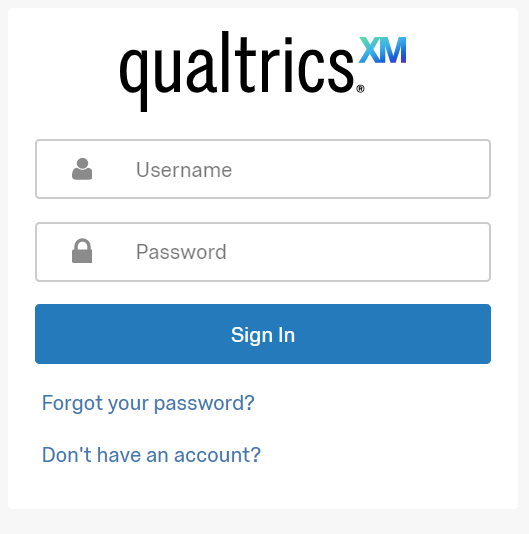
Navigate to: https://nupsych.pdx1.qualtrics.com/login and click 'Don't Have An Account?'
When the below page loads, enter your university email address and the Access Code for your programme (see section above)
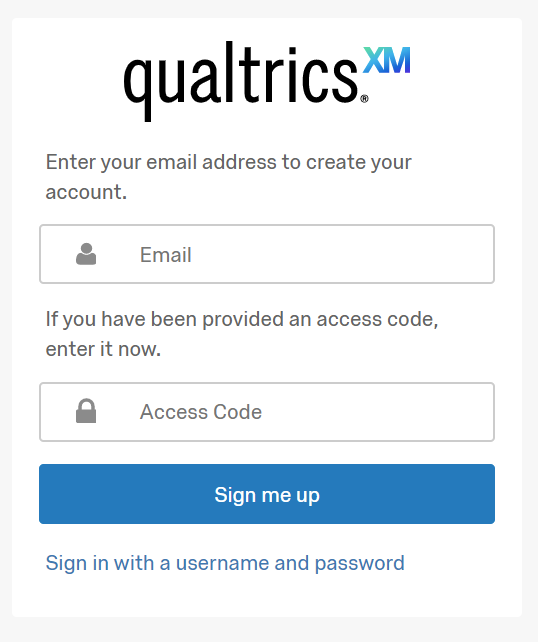
Click 'Sign Me Up'.
Do I need to activate my account?
You may be asked to activate your account using a link sent to you in an email. Follow the instructions in the email to complete your account setup. If you do not receive the email, simply try logging in using the username and password you just created.
Issues
Should you have any issues with your sign-up, please contact the Psychology Lab Tech Team via email at psychology.labs@northumbria.ac.uk